
 Back
Back
ConsultantCloud Weekly Retro - 24 September 2026
Welcome to this week’s Retro. I’m back from Dreamforce, slightly sleep deprived but with plenty of ideas, conversations and questionable decisions to show for it. If you want to see some of the antics from San Francisco, you can check out the video here: https://www.youtube.com/watch?v=q2RnDH0eexU This week, we’re looking at some very practical Salesforce topics: when Data Cloud actually makes sense, how to make Flow easier to read and maintain, pragmatic approaches to AIforce and ClaudeForce integrations, reusable LWC service patterns, and a few compact development tools worth adding to your toolkit. As always, the focus is on things you can actually use with clients: cleaner implementations, maintainable code and UI, sensible governance, and fewer “we’ll fix that later” decisions coming back to haunt you.
 | Synebo 1. When Is Salesforce Data Cloud Wrong Choice?Synebo outlines when Salesforce Data Cloud is the wrong choice and what to fix before investing, emphasizing prerequisites you must clear first. This matters because premature adoption can inflate costs and create integration and governance headaches that undermine ROI. Consultants should run a data maturity checklist, quantify integration effort and storage costs, and document the specific issues to resolve before recommending Data Cloud to clients. Read the full article. |
 | Yumi Ibrahimzade • Salesforce Time 2. Make Flows Easier to Read with the New Group ElementSalesforce introduced a Group element to help organize flow canvases and reduce visual clutter, making complex flows easier to scan. Better structure cuts maintenance time and reduces the risk of errors during handovers. Consultants should audit high‑complexity flows, apply Groups to cluster related logic, and update naming and documentation practices to leverage the improved readability. Read the full article. |
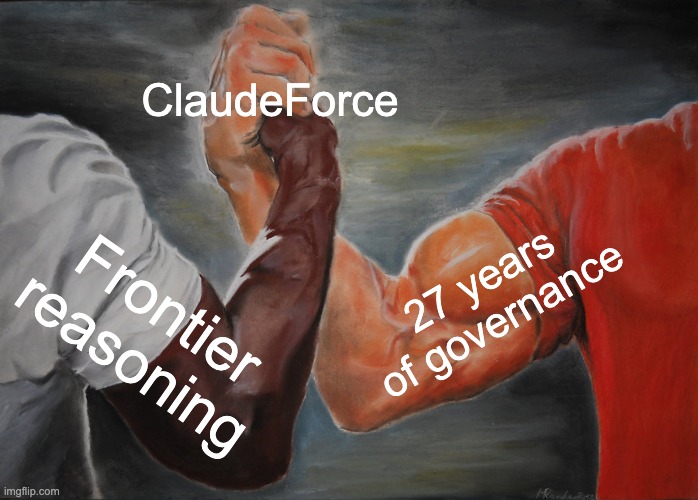 | Salesforce ChaCha • SalesforceChaCha 3. ClaudeForce: The UI is Optional NowSalesforce ChaCha argues that ClaudeForce treats the UI as optional and that traditional screens may have been scaffolding rather than a requirement. For teams building conversational or AI-driven experiences this reframes priorities toward backend orchestration and intent handling rather than surface UI work. Consultants should evaluate current projects for opportunities to adopt headless integrations, ensure business logic is centralized, and test error handling and audit trails when removing screen-based flows. Read the full article. |
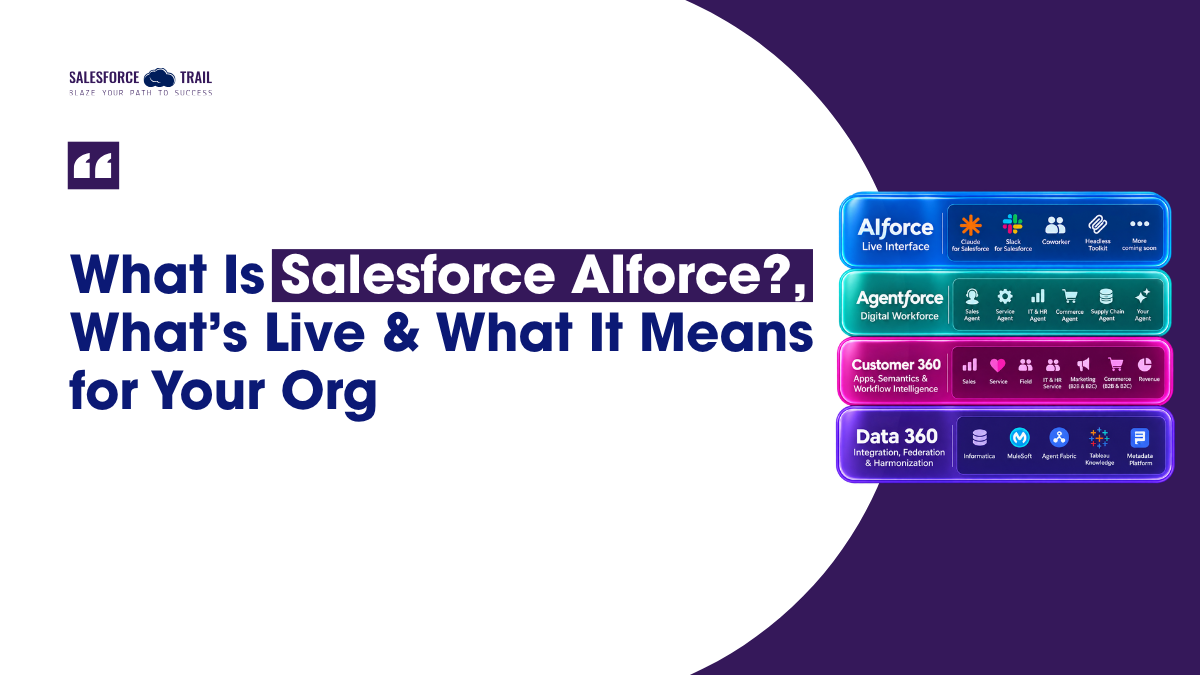 | Akanksha Shukla • Salesforce Trail | Latest Salesforce News, Insights & Trends 4. What Is Salesforce AIforce? What's Live, What's Beta, And What It Means For Your OrgAkanksha Shukla explains what AIforce is, what features are live versus in beta, and the admin checks you must perform; AIforce brings CRM data and logic into Claude, Slack, and Lightning. This matters because it expands where CRM intelligence runs and raises governance, prompt design, and data exposure questions. Consultants should test AIforce features in sandbox, review permission and data access settings, and plan monitoring and fallback behavior before rolling AIforce into production. Read the full article. |
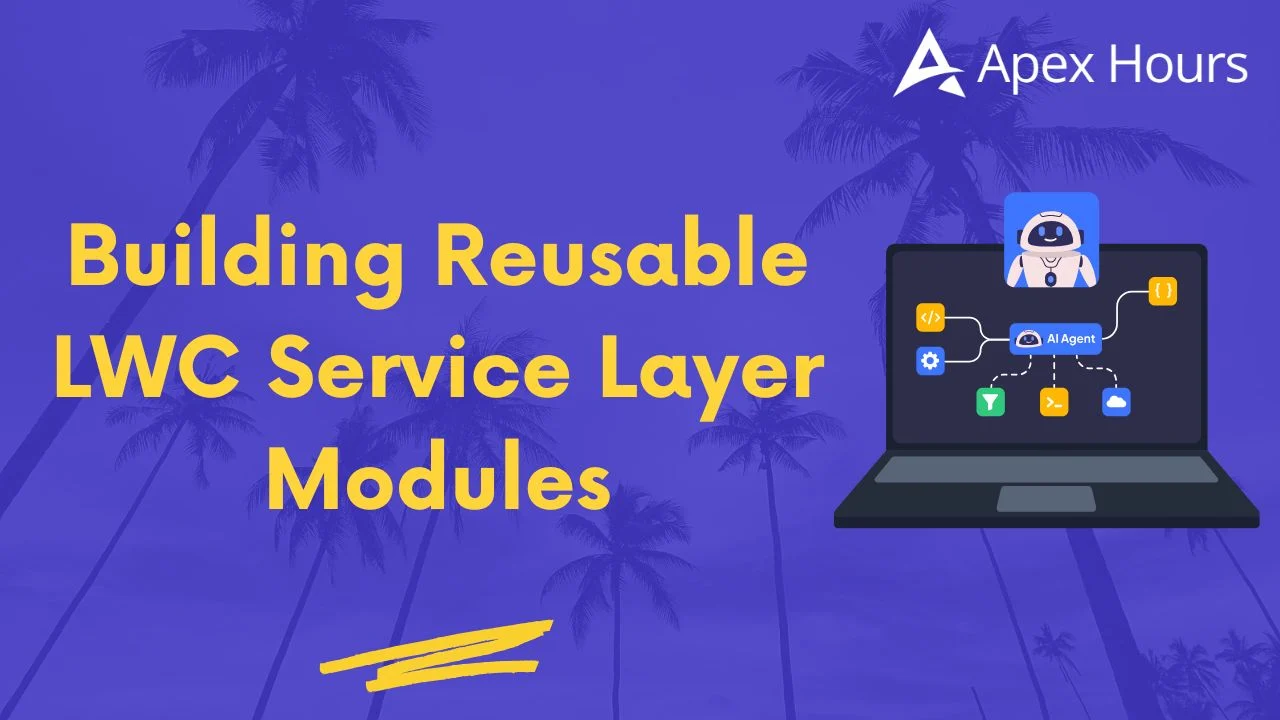 | Satyam parasa • Apex Hours 5. Building Reusable LWC Service Layer ModulesSatyam Parasa details patterns for building reusable LWC service layer modules to keep presentation code thin and promote reuse across components. Reusable service modules simplify maintenance, improve testability, and centralize API interaction and caching strategies. Consultants should standardize module templates, centralize common logic and error handling, and add unit tests and documentation when introducing this pattern to client codebases. Read the full article. |
 | Salesforce Cloud Bites | LinkedIn 6. Trailblazer Labs, SF Debug Log Enhancer, and Salesforce ER ModellerCloud Bites highlights tools like Trailblazer Labs, SF Debug Log Enhancer, and Salesforce ER Modeller and reflects on this week's global outage and related Dreamforce content. These utilities help with experimentation, faster debugging, and visualizing data models, which is useful when recovering from incidents and planning resilience. Consultants should try the tools in sandbox environments, incorporate them into post‑outage runbooks, and use ER modelling to validate complex data changes before deployment. Read the full article. |
Want more Salesforce reads each week? Join ConsultantCloud.
 Sign up here
